Nintendo Switch: ora è possibile trasferire i salvataggi di gioco su un'altra Switch
Inviato: martedì 16 aprile 2019, 20:19
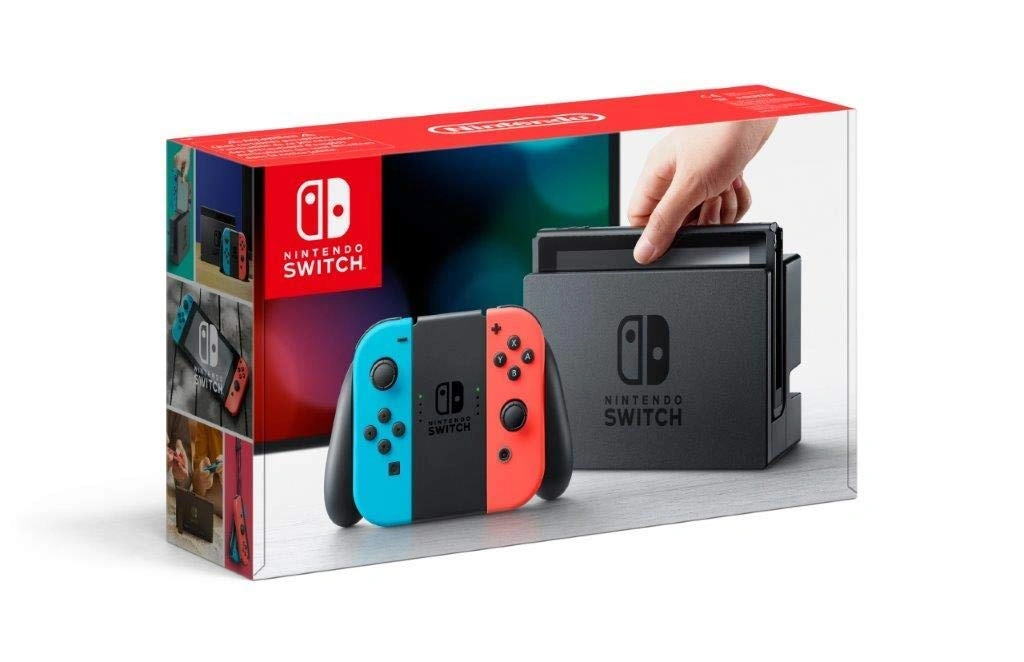
Ieri sera, milioni di console Nintendo Switch in tutto il mondo sono state aggiornate alla versione 8.0.0. Sono state aggiunte una serie di nuove funzionalità, tra cui nuove icone, la possibilità di ordinare i software e una funzione di zoom nelle impostazioni di sistema, ma la più grande novità è la possibilità (a lungo richiesta) di trasferire i dati di salvataggio da una Switch all'altra.
In passato, era possibile trasferire un intero profilo utente da una Switch a un'altra, ma non era possibile semplicemente trasferire il file di salvataggio di un gioco e portarlo su una nuova Switch. Ora puoi!
Il changelog completo, in lingua originale, è il seguente:
In passato, era possibile trasferire un intero profilo utente da una Switch a un'altra, ma non era possibile semplicemente trasferire il file di salvataggio di un gioco e portarlo su una nuova Switch. Ora puoi!
Il changelog completo, in lingua originale, è il seguente:
Fonte: GamnesiaA Sort Software feature is available after selecting to view All Software from the HOME MenuA View All Available News option is available within News, allowing you to view all news items currently being distributed
- Software can be sorted by time last played, total play time, software title, and software publisher
- The All Software option displays when there are 13 or more software icons on the HOME Menu
Select from 15 new icons from the Splatoon™ 2 and Yoshi's Crafted World™ games for your user
- Go to News > Channel List > View More
A feature to Transfer Your Save Data is now available, allowing you to transfer your save data for individual games between your Nintendo Switch systems
- To edit your user icon, head to your My Page on the top left of the HOME Menu > Profile
A Zoom feature can be enabled from within System Settings
- Go to System Settings > Data Management > Transfer Your Save Data
- Save data will not remain on your source system after the transfer process completes
An option is available to prevent the system from waking from Sleep Mode when an AC adapter is disconnected
- Go to System Settings > System to turn Zoom ON
- Once enabled, you can use the Zoom feature by pressing the HOME Button twice
A VR Mode (3D Visuals) restriction is available within Parental Controls
- Go to System Settings > Sleep Mode > Wake When AC Adapter is Disconnected
- This also applies when undocking your console
Hong Kong / Taiwan / South Korea is available for selection in Region
- This will also be available in the Nintendo Switch Parental Controls app through a later update
- Go to System Settings > Parental Controls
- These settings can also be changed from within Nintendo Labo Toy-Con 04: VR Kit
The following names have been changed (functionality remains the same)
- Go to System Settings > System > Region
- Save Data Cloud Backup > Save Data Cloud
- Transfer Your User and Save Data > Transfer Your User Data